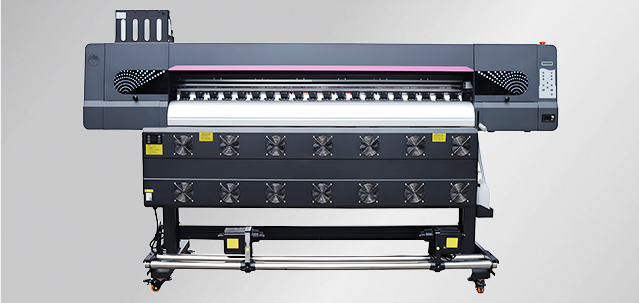
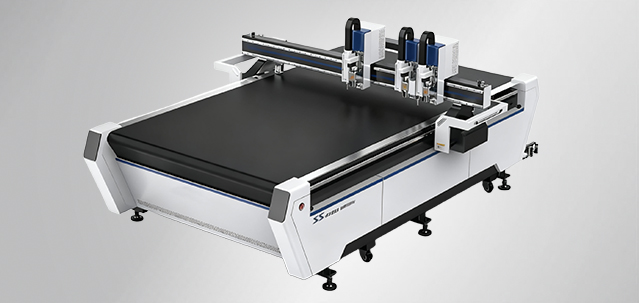
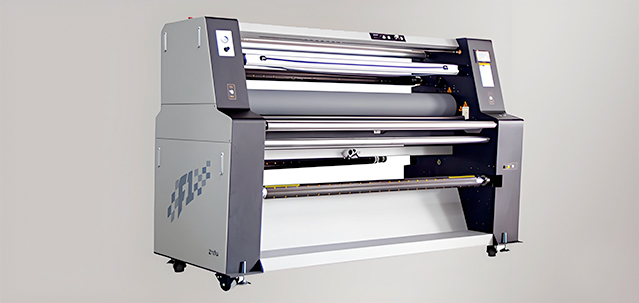
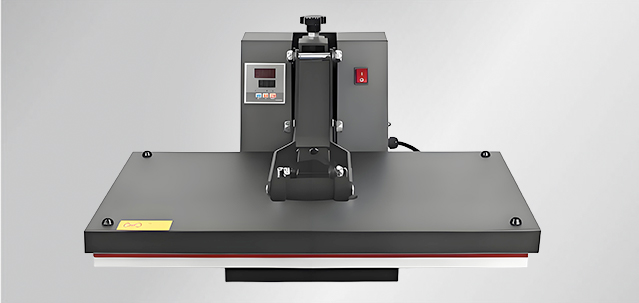
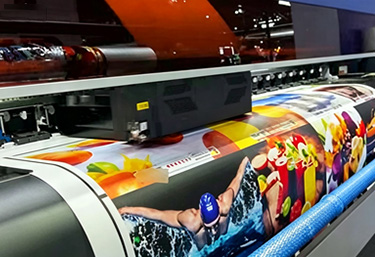
With the arrival of winter and the sharp drop in temperature, many advertising professionals have found that their equipment is starting to "act up".Many printers have incorrect ink jet angles, causing ink splattering.
1. Environmental Control: Temperature and Humidity Control is Key
The optimal operating temperature for a photo printer is 15℃-30℃, and the humidity should be maintained between 35%-65%. Temperatures below 10℃ can easily lead to problems such as soaring ink viscosity and sluggish printhead response.
Before starting the machine, it is recommended to preheat it by turning on an air conditioner or electric heater for at least one hour to avoid putting the equipment into high-intensity operation directly from a cold state.
2.Static electricity can cause ink splatter and leakage, and may even burn out the motherboard and printhead.
Proper Grounding Operation: Use copper wire with a diameter of ≥4mm as the ground wire. Fix one end to a metal part of the printer body, and bury the other end 1.5-2 meters underground (pour salt water to enhance conductivity). Do not share grounding with lightning rods or high-voltage electrical appliances.
Increase Ambient Humidity: Humidity above 45% can effectively eliminate static electricity. Using anti-static gloves is even better.
Select Anti-static Consumables: For example, imported fluororubber paper rollers can effectively prevent static electricity.
3. Ink Management: Use the Right Ink, Reduce Printhead Clogging by Half
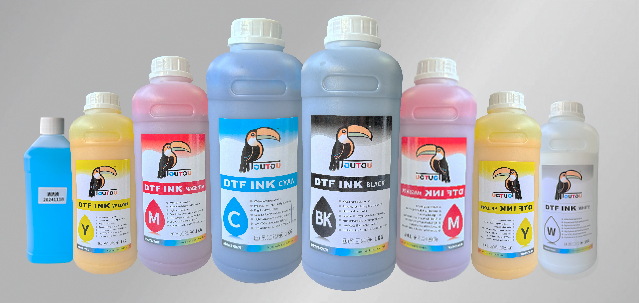
Low temperatures double ink viscosity, making inferior inks more prone to crystallization and printhead clogging. Choose original inks with strong weather resistance; reliable raw material formulas are less affected by temperature, ensuring uninterrupted printhead output over extended periods.
Maintain ink storage temperature between 15℃ and 30℃ to avoid sub-zero temperatures that can cause quality changes.
Print a nozzle test strip before powering on. If broken lines appear, clean the printhead with cleaning fluid before resuming operation.
4. Component Maintenance: Routine Details Matter
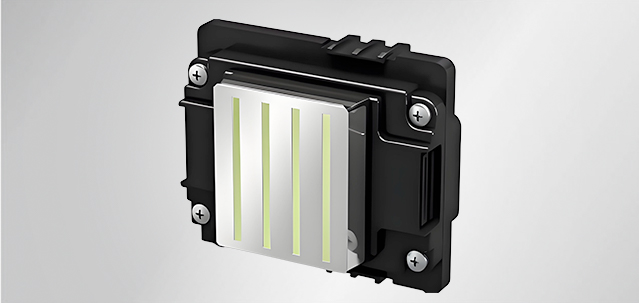
Printhead Bottom: Maintain weekly. Wipe the edges of the protective block with a cotton swab dipped in cleaning solution to remove residual ink.
Scraper Blade: Maintain every 10 days. Wipe the edges of the scraper blade with cleaning solution to prevent ink buildup and printhead clogging.
Raster: Clean monthly. Wipe both sides with purified water to prevent ghosting and misalignment issues in printing.
Guide Rail: Maintain weekly. Apply grease to reduce friction during carriage movement and ensure smooth transmission.
Belt: Inspect every 3 months, focusing on wear. Replace immediately if signs of aging are found.